Frequently Asked Question
My links are one legged (left) in MVT. How do i set MVT to record in Mono?
Last Updated 4 months ago
To set MVT to record in Mono follow the below steps.
1) Login to MVT and select any service / show to get to the recorder page.
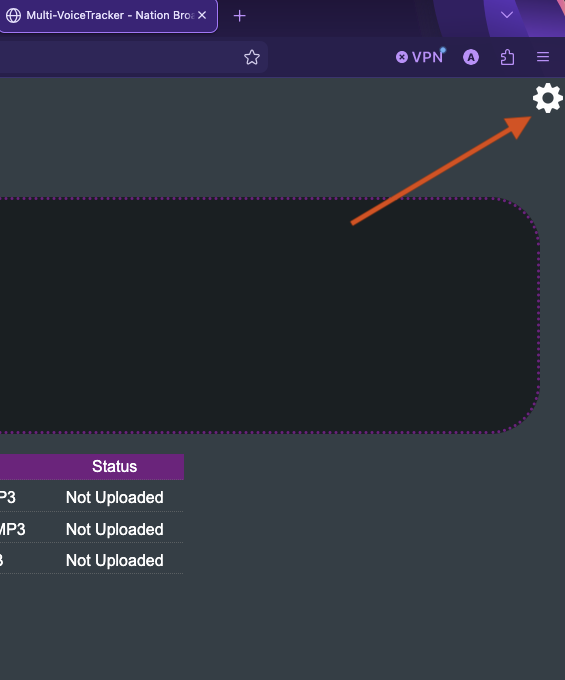
2) Click the settings cog in the top right corner of the page
1) Login to MVT and select any service / show to get to the recorder page.
2) Click the settings cog in the top right corner of the page
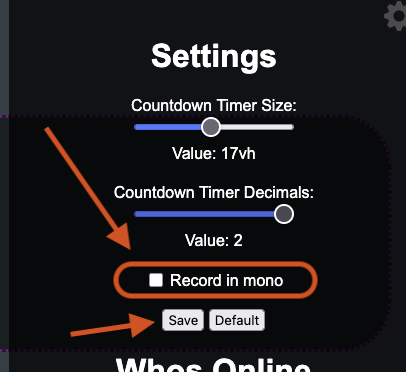
3) Check the "Record in Mono" option and hit Save
4) This will then prompt you to leave the page and resend page data. press Leave Page and Resend buttons and the page will reload.
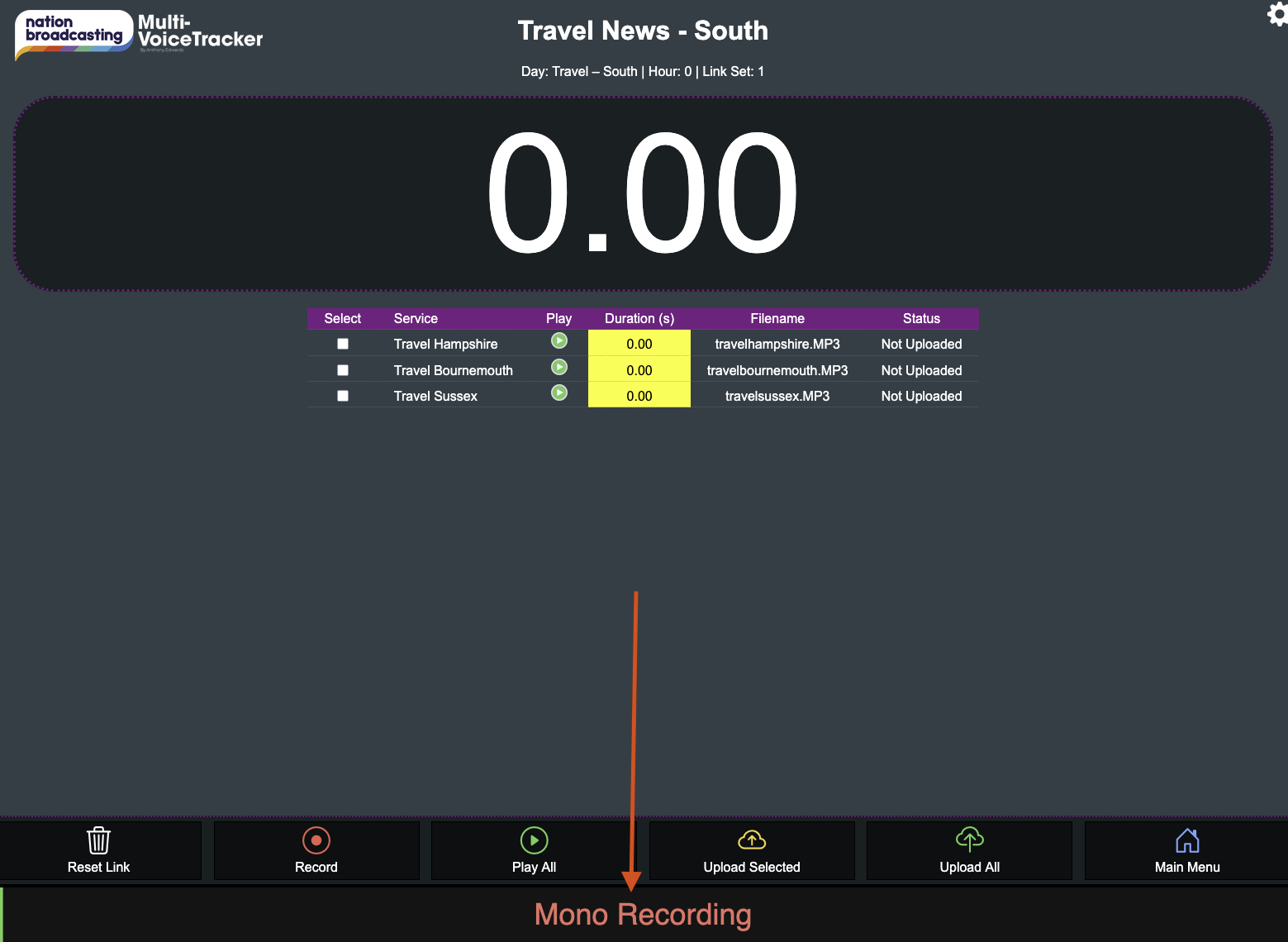
5) You should now see a Mono Recording message in the audio meter bars (which have switched to 1 bar now)